Photoshop 101
with
Kayla Matheus

Health & Beauty
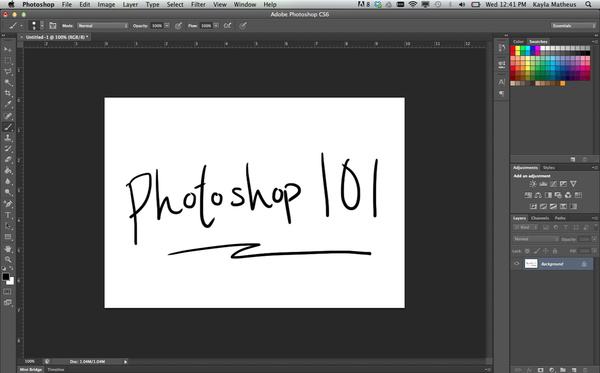
Want to create your own holiday cards this season? Have a photo that needs some touching up? In this class we'll go over some of the basic tools and capabilities of Adobe Photoshop (geared towards CS5-7, though the basics are the same for most versions).
This includes topics like layers, brushes, pens, lassos, text, shapes, blurring, and colors. You'll also learn what file types are better for what applications, and also when you should be using Adobe Photoshop vs. Adobe Illustrator vs. Adobe InDesign. We'll use an example project to go over the basics, but please bring in a project you are working on!
We'll use time at the end to apply what you've learned and ask specific questions about your projects. If you don't have a project, have no fear, you'll still be able to set a photo of your loved ones high-fiving a polar bear.
Please bring your own laptop with Adobe Photoshop installed. If you do not have the software, you can download a 30-day trial from the Adobe website.
All ages welcome
Cancellation Policy
Kayla Matheus is a designer and disruptive thinker of both products and visuals. She graduated from Yale University in 2011 with a double major in art (graphic design, sculpture) and mechanical engineering. This past year she was a Fellow for the organization Design for America where she mentored college students in the human-centered design and design thinking processes. She also has both hard skills in machining, rapid prototyping and mold-making, as well as soft skills in the Adobe Creative Suits, Final Cut Pro, Solidworks, Excel, and more.